Gear Generator ←
There are many Gear Generator Plugins for Fusion 360.
Many of them are great (FM Gears, GF Gears) but none of them create parametric, changeable and robust gears.
That is because they create the correct, complex, involute shape for the gear teeth wich fusion cannot really resolve fully.
parametricspurgear.zip
This plugin uses a simpler approximation of this profile, which is perfectly usable for 3D Printed or lasercut gears and allows for a parametric gear.
You can choose between Straight, Helical and Herringbone gears and create Spur, Stacked (for gear trains) and Internal gears.
If you find any bugs or have feature requests, let me know!
To use the plugin
download the ZIP, unpack it into:
WIN: %appdata%\Autodesk\Autodesk Fusion 360\API\AddIns
MAC: ~/Library/Application Support/Autodesk/Autodesk Fusion 360/API/AddIns
(it needs to be a folder with the correct name with all the files inside)
Then, in Fusion, navigate to the Add-In tool

If the Add-In didn't already appear, add it via the "+" icon.
Once you activate it via the toggle it should appear in your "Solids" toolbar under "Create"
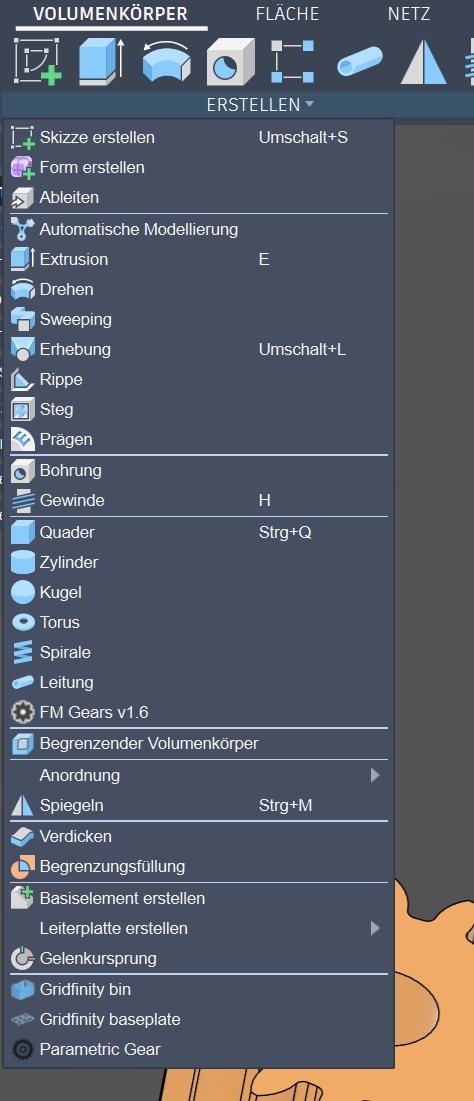
If you click on it, you get this dialog:
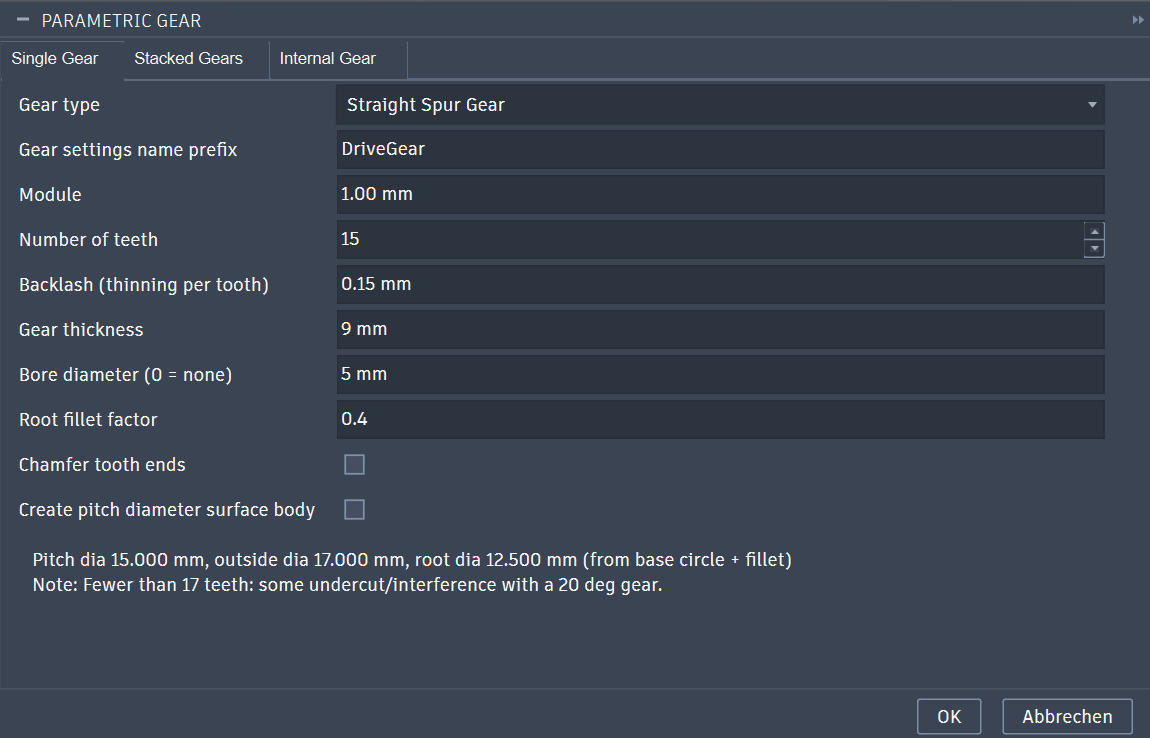
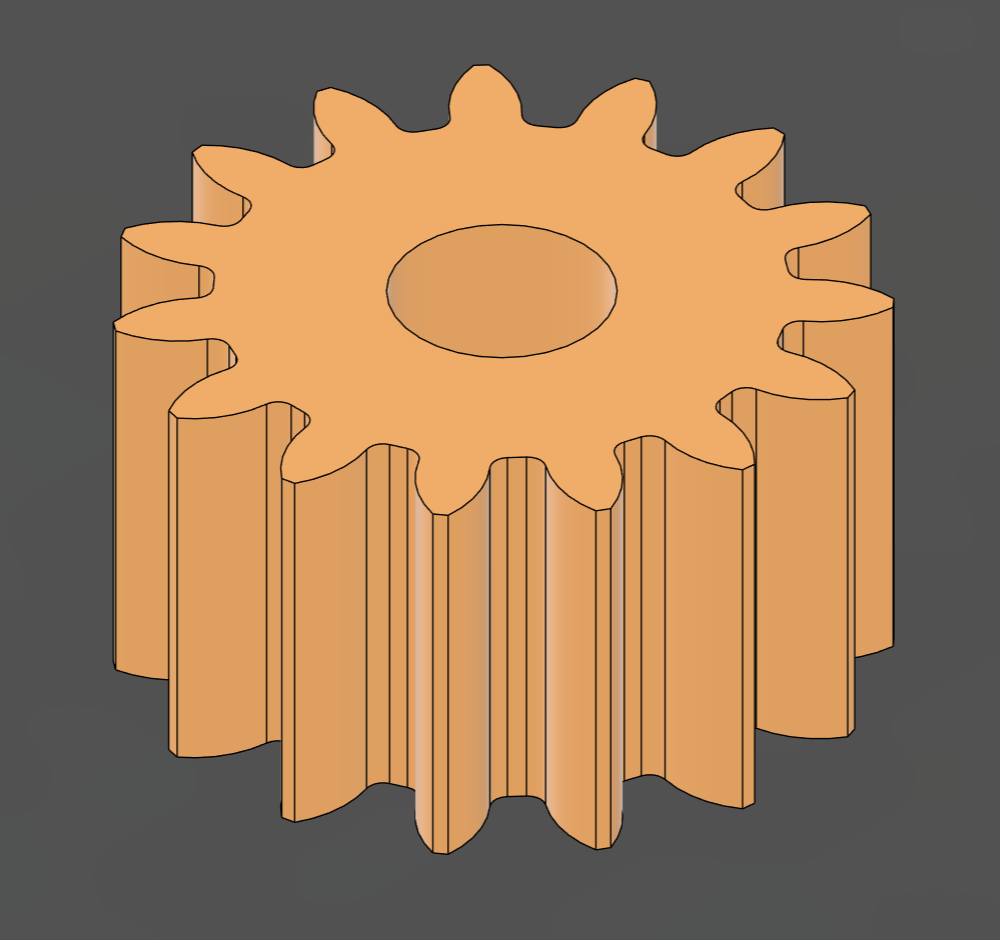
You can now create your gear(s)
To align gears to each other, you can either use the "Align Components" Tool and the Pitch Diameter Surface Body to align the Pitch circles tangential to each other.
Or you use a joint on the middle of each gear and offset it by "( Gear1_Module * Gear1_NTeeth + Gear2_Module * Gear2_NTeeth ) / 2" (with your respective names for the gears you want to align)
